Top 5 Tools to Restore Damaged Photos Online
Old family photos frequently show signs of wear — scratches, tears, fading, blur, and color changes are all very typical.
For a long time, the only way to fix them properly was with advanced software and manual editing skills. That kept restoration out of reach for most regular users.
AI-powered tools now make restoration much more accessible. They use smart algorithms to find the damage and fix it automatically. The result is professional-quality photos without the need for technical expertise.
In the following sections, we compare five different online photo restoration tools. We’ll look at what each one offers and who it’s most suitable for, so you can pick the best one for your situation.
Types of Damage These Tools Can Fix
Most old photos have some kind of damage. It usually comes from how they were stored, how often they were touched, or simply from getting older. The AI tools in this guide can fix many of these issues.
They work well on scratches and surface marks. Rips and fold lines can be repaired. Colors that have faded can be restored, and unwanted yellow or sepia tones are removed.
If the photo is blurry or has low resolution, the tools can make it sharper and increase the quality. They also remove stains, water damage, mold, and age spots. Cracks can be fixed, warped areas straightened, and poor lighting corrected.
Best Online Tools Compared
Below you’ll find five different AI photo restoration tools. Each section gives you a straightforward description of how the tool works, lists its key features, and suggests the type of user who will get the most out of it. They all focus on making it easy to repair common damage in old family photos.
1. Renew Photo
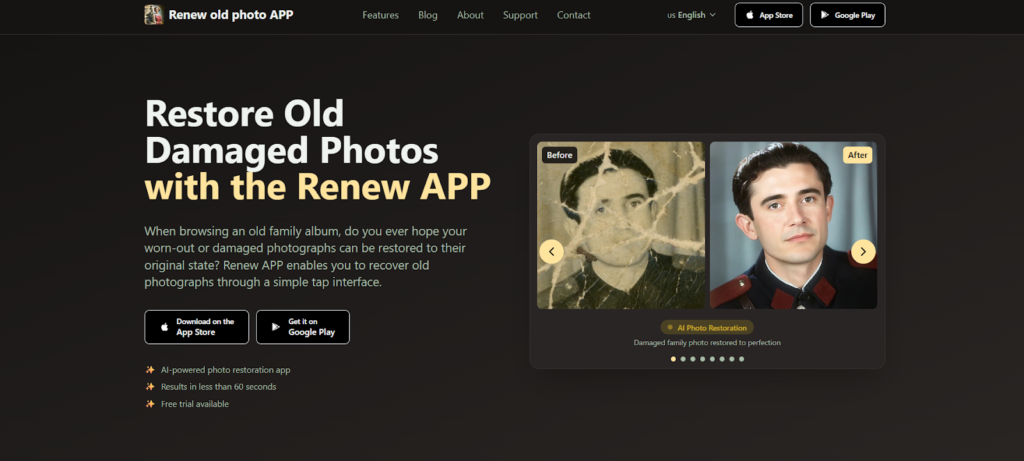
Renew Photo is an AI tool designed to restore damaged and faded photographs. You can download it on iOS and Android.
Restoring a photo usually takes less than 60 seconds. The system was trained on thousands of real old photos, which helps it identify problems like torn edges, faded colors, and blurry faces. It then rebuilds the missing details in a way that still looks realistic.
Besides the automatic mode, you also have access to manual editing tools for more precise changes.
The app is useful for many different people — from those preserving family memories to anyone who simply wants to fix old photos. You don’t need any special skills or expensive programs to use it.
Key Features:
- One-tap AI photo restoration
- HD enhancement for clarity
- Colorize black-and-white images
- Remove scratches and cracks
- Fix lighting automatically
- Merge multiple photos
- Animate still images
- Export in HD for print or web
Best For: Users seeking a comprehensive, user-friendly mobile app with fast results, manual adjustment options, and advanced features like photo animation and combining.
2. RetroFix
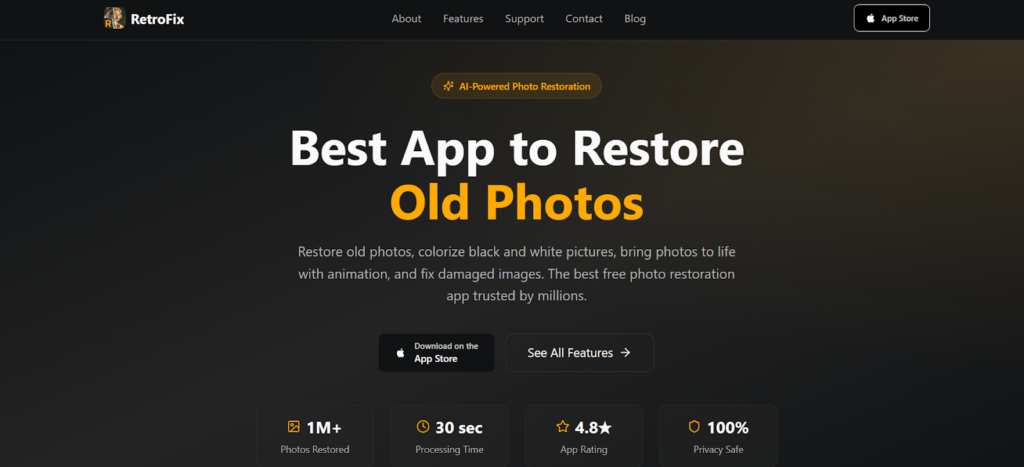
RetroFix is a free iPhone app that makes old photo restoration simple. With over a million downloads, it uses AI to do the heavy lifting. In about 30 seconds, you can repair damage, add color to black-and-white photos, or animate still images. No editing experience needed.
The animation feature is probably the most interesting part. Most restoration apps stop once the photo looks clean, but RetroFix goes further and adds subtle movement. It works especially well with old family portraits.
Besides animation, the app takes care of the usual problems – scratches, tears, faded colors, blurry areas, and low resolution. You can also combine multiple photos and turn monochrome shots into color.
Key Features:
- AI restoration for damaged photos
- Colorize black-and-white shots
- Sharpen blurry images and faces
- Scratch and defect removal
- Revive faded or worn photos
- Photo-to-video animation
- HD export ready
- Private, secure processing
Best For: Users looking for a completely free, highly-rated iOS app that excels at both traditional photo restoration and innovative AI animation features.
3. VanceAI Photo Restorer
VanceAI Photo Restorer is a web-based tool that focuses on detailed restoration. It removes scratches, spots, tears, and sepia tones automatically. It also enhances faces and restores faded colors.
You can use it online or through VanceAI PC for desktop work. It handles single images or batches, and uploaded photos are deleted after 24 hours.
The main strength here is face enhancement. The tool focuses on faces—detecting and improving details. Great for vintage portraits or family photos. You can also upscale low-res images, colorize black-and-white shots, and enlarge for printing without quality loss. Worth considering for precise results.
Key Features:
- AI Repair for damaged photos
- Enhance quality and colors
- Face detail improvement
- Auto-delete for privacy
- Batch photo processing
- B&W colorization
- HD image upscaling
- Works online and on desktop
Best For: Users requiring professional-grade restoration with advanced face enhancement and batch processing capabilities, available across web and desktop platforms.
4. Lift AI Photo Restorer
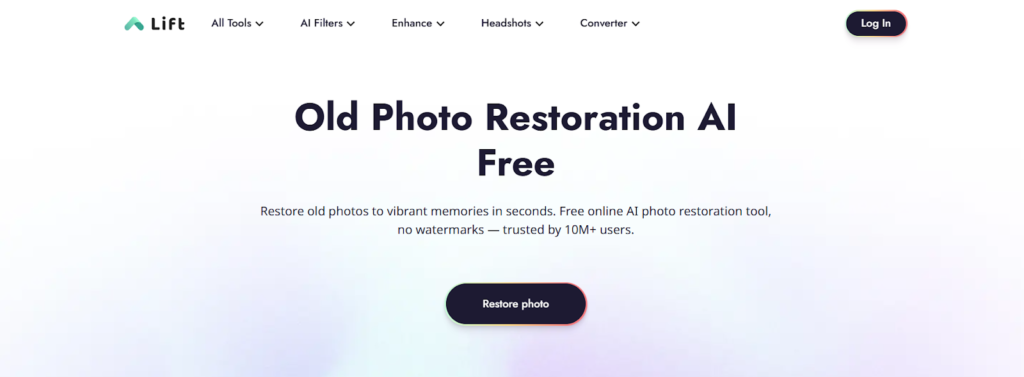
Lift AI Photo Restorer is a cross-platform tool for iOS, Android, and the web. It delivers solid photo restoration at a reasonable cost. The AI detects and fixes scratches, tears, faded colors, and blurry details.
The tool offers both one-click automatic restoration and manual adjustment options. It is suitable for families preserving old photos, photographers doing restoration work, and users who need images for social media or websites.
Its support for different devices makes it convenient to use anywhere.
Key Features:
- AI restoration for damage and blur
- Manual adjustments for fine-tuning
- Works on iOS, Android, and web
- No watermarks on output images
- Studio-quality results
- Affordable alternative to services
- Ready for social media sharing
Best For: Users seeking a versatile, cross-platform restoration tool with a strong free option, customizable adjustments, and no watermarks.
5. Airbrush
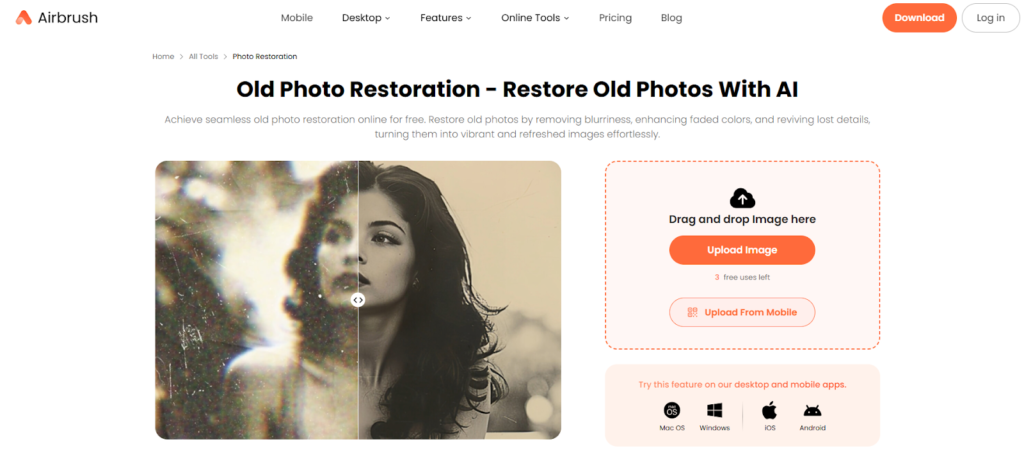
Airbrush is an AI-powered tool that restores old photos. You can use it online or on iOS and Android devices. Just drag and drop your photo and use the one-click restore button. It reduces noise, improves overall quality, and revives faded colors. You do not need any editing experience.
You start with three free uses. Desktop and mobile apps are available for Windows, Mac, iOS, and Android.
Airbrush automatically restores faces, corrects color problems, fixes faded areas, and adds color to black-and-white images. The tool is used by regular people for family photos and by marketers, social media managers, and website owners for professional work. It offers a simple way to get good results quickly without complicated software.
Key Features:
- One-click AI enhancement
- Improve faces and skin tones
- Restore faded colors
- Colorize black-and-white images
- Free trial with limited uses
- Works on web, desktop, and mobile
- Export in HD quality
- Optimized for web and social media
Best For: Users seeking a fast, free, and straightforward online restoration tool with one-click operation, ideal for quick fixes and marketing applications.
Conclusion
Which tool should you go with? That really comes down to a few things.
First, the platform. Some tools only work on mobile, while others run on desktop or web. So think about where you’ll be doing the work.
Budget matters too. Pricing varies widely—some are free, others have paid plans with more features.
Then there’s what you actually need. A simple tool might be enough for basic fixes. But if you’re processing lots of images or need detailed edits, an advanced option makes more sense.
All five tools here use AI to handle the heavy lifting. They deal with scratches, fading, blurriness, and the usual damage. Figure out your priorities and pick the one that fits.